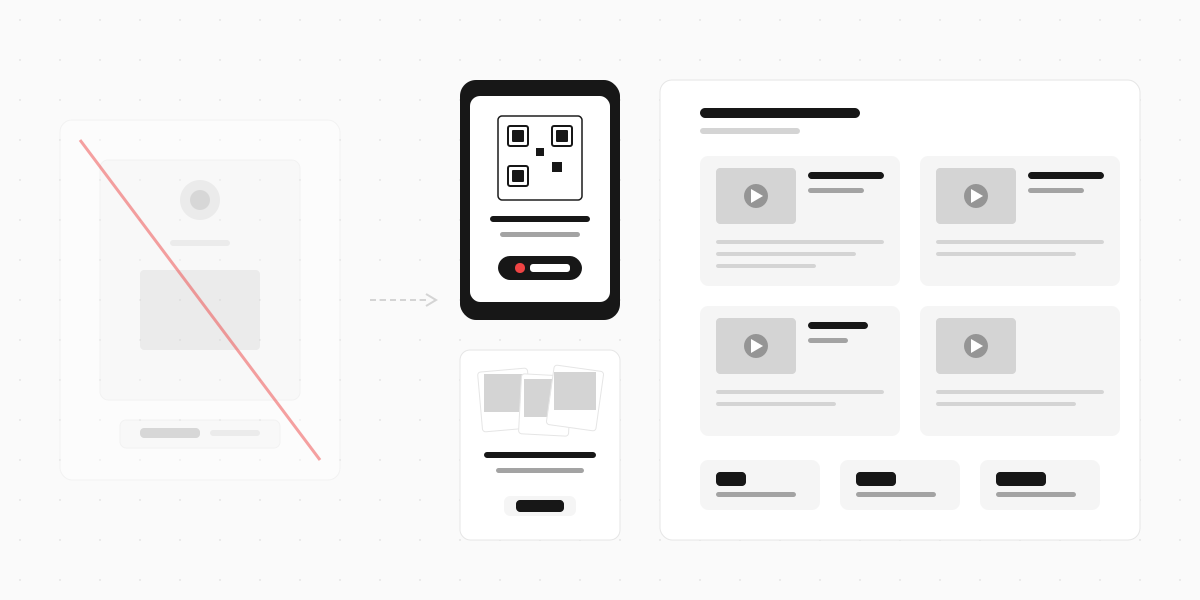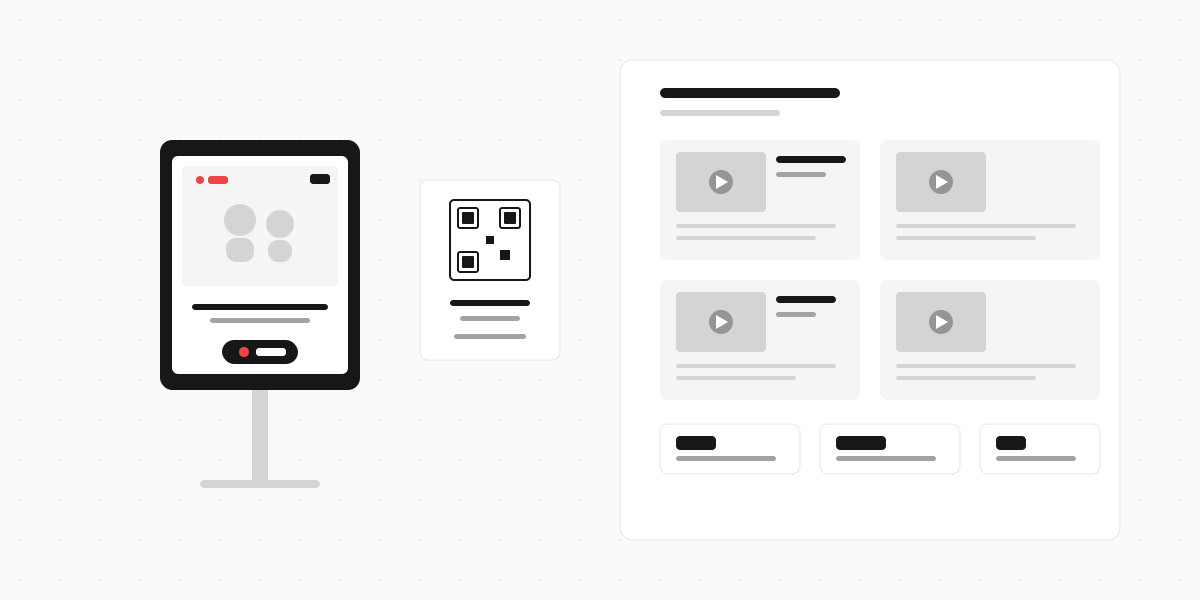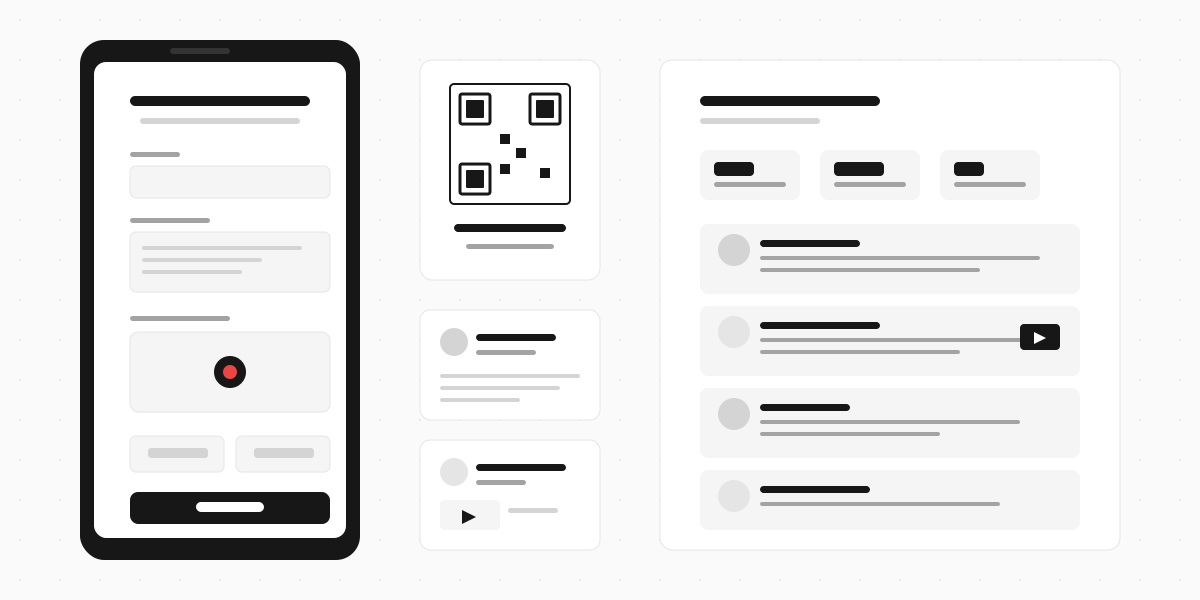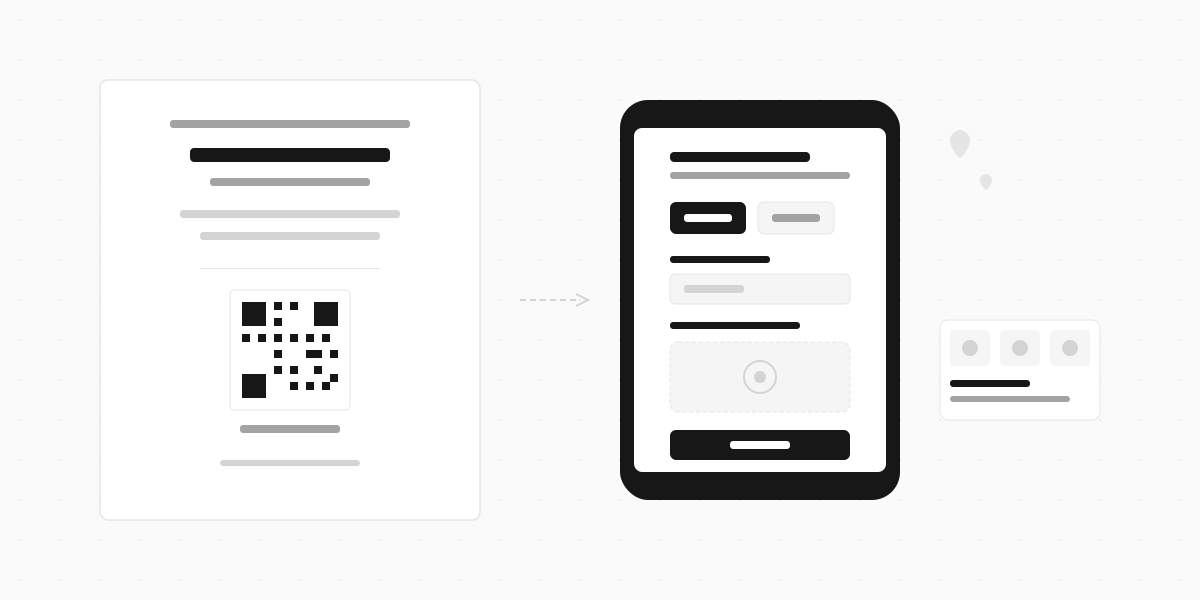
A QR code RSVP replaces the traditional paper response card with a scannable code printed on your wedding invitation. Guests point their phone camera at it, tap the link, and fill in their response on a short digital form. No stamps, no handwriting, no lost-in-the-mail cards.
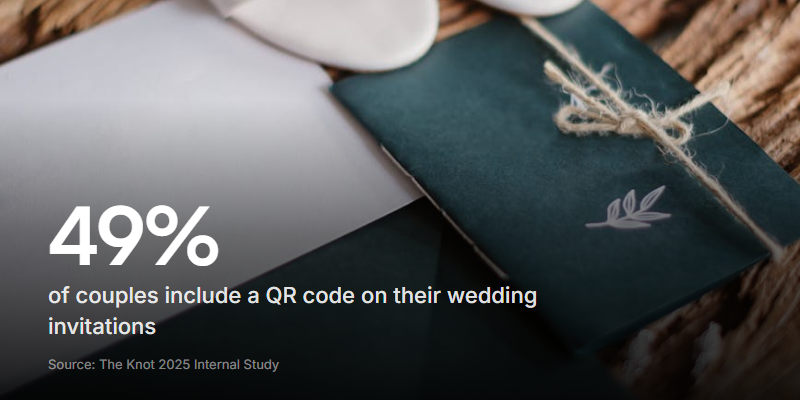
It's not a novelty anymore. According to The Knot's 2025 internal study, 49% of couples now include a QR code on their save-the-dates or invitations - up from just 20% in 2022. In three years, it's gone from "techy" to default.
This guide covers how to set up a QR code RSVP, what your form should actually ask, where to print the code on your stationery, and how to go beyond basic yes/no responses with video messages from your guests.
How a QR code RSVP works
The setup has three parts:
- Create an online form that collects your guests' responses (name, attending yes/no, plus ones, meal choice, dietary needs)
- Generate a QR code that links directly to that form
- Print the QR code on your invitation, RSVP card, or save-the-date
When a guest scans the code, their phone opens the form in a browser. They fill it in, hit submit, and their response lands in your dashboard or spreadsheet instantly. No app download needed - every modern smartphone camera can scan QR codes natively.
The whole process takes guests about 30 seconds. Compare that to finding a pen, filling in a paper card, locating a stamp, and walking to a postbox. Most guests respond within days rather than weeks.
What to ask on your RSVP form
Keep it focused. Guests should be able to complete your RSVP in under a minute. Here's what earns a spot on the form:
The essentials
- Guest name - pre-fill this if your tool supports it (some platforms match by email or unique link)
- Attending? - yes, no, or maybe/unsure. Don't force a binary if your deadline is weeks away
- Number of guests - if you're offering plus-ones, ask how many are coming
- Names of additional guests - you need this for place cards and seating
Food and logistics
- Meal selection - only if your venue needs headcounts per option. List the actual choices (chicken, fish, vegetarian) rather than making guests guess
- Dietary requirements - free-text field. Allergies, vegan, gluten-free. Don't try to predict every option with checkboxes
- Transport - "Will you need shuttle service from the hotel?" Only ask if you're actually providing this
Nice-to-haves (one max)
- Song request - "What song will get you on the dance floor?" Fun, optional, and gives your DJ a head start
- A personal message - "Anything you'd like to say to the couple?" This is where video messages shine (more on this below)
Don't ask for information you already have. If you have their email and address from your invitation list, don't make them type it again on the RSVP form. Every unnecessary field is friction.
How to create a QR code RSVP (step by step)
You have three main approaches, from simplest to most feature-rich:
Option 1: Google Form + free QR generator
Cost: Free Best for: Couples who want minimal setup and already use Google tools
- Create a Google Form with your RSVP questions
- Click "Send" and copy the form link
- Paste the link into a free QR code generator (QR Code Generator, QR Monkey, or QR TIGER all work)
- Download the QR code as a PNG or SVG at high resolution (minimum 300 DPI for print)
- Add it to your invitation design
Limitations: No custom branding, basic form design, responses land in Google Sheets (fine for small weddings, gets messy beyond 100 guests).
Option 2: Wedding website platform
Cost: Free-$50 Best for: Couples already using The Knot, Zola, or Joy for their wedding website
Most wedding website platforms now include built-in RSVP collection and QR code generation. Your guests scan the code, land on your wedding website, and RSVP through the same system managing your guest list.
Advantages: Guest list management, automatic headcounts, themed to match your wedding site, name-matching (guests search their name rather than typing it).
Limitations: Limited customisation of questions, no video or audio responses, forms look generic.
Option 3: Interactive form builder
Cost: Free-$30/mo Best for: Couples who want a memorable RSVP experience or want to collect video messages
Use a form builder like Clipform to create a multi-step RSVP that goes beyond checkboxes. You control the exact flow, can add video or audio prompts, and collect video messages from guests alongside their RSVP.
The form lives at a public URL. Generate a QR code from that URL using any generator, and print it on your stationery. Guests scan, respond, and optionally record a message - all from their phone browser.
Advantages: Full control over questions and flow, video/audio responses, custom branding, transcripts of any video messages, works as a digital guest book.
The same scan-to-form pattern works well beyond RSVPs - we've covered it for surveys and event attendance too.
Where to put the QR code on your stationery

Placement matters. A QR code nobody notices is a QR code nobody scans.
Best placements:
| Location | Why it works |
|---|---|
| Dedicated RSVP card (replacing the paper insert) | Guests expect to act on this piece specifically |
| Bottom of the invitation back | Natural eye flow after reading the details |
| Save-the-date card | Captures early responses from eager guests |
| Wedding website card (small insert) | Pairs the code with "Visit our wedding website" |
Design rules:
- Size: Minimum 2.5cm x 2.5cm (1 inch). Smaller codes are harder for older phones to scan
- Contrast: Dark code on light background. Don't reverse it (light code on dark) - some cameras struggle
- Quiet zone: Leave white space around the code. At least 4 modules (the small squares) of margin
- Label it: Add a small line like "Scan to RSVP" or "Reply here" below the code. Don't assume everyone knows what to do
- Test before printing: Scan your proof from arm's length with at least two different phones. If it takes more than one try, make the code bigger
Avoid: Putting the QR code over a textured background, metallic foil, or dark coloured paper. These all reduce scan reliability.
Making it personal: video RSVPs and guest messages
Here's what most QR code RSVP guides miss. The standard approach (scan → yes/no → meal choice → done) collects logistics. It tells you nothing about your guests' excitement, their memories with you, or the messages they'd share at your wedding.
What if your RSVP form also asked: "Record a quick message for us"?
This is where QR code RSVPs become something more than a digital reply card. Instead of a plain text box for "any message for the couple," you give guests the option to record a short video from their phone.
What you get from video RSVPs
- A digital guest book that builds itself - by the time your wedding arrives, you have dozens of personal video messages from friends and family
- Content for the reception - play a montage of video messages during dinner or the reception
- Memories you'd never capture otherwise - Grandma wishing you well from her living room, your college friends recording together at a pub
- Honest enthusiasm - text says "so happy for you." Video shows someone genuinely tearing up
How to set it up
With Clipform, your RSVP flow looks like this:
- Welcome screen - "We'd love to see you there! RSVP below."
- Attendance - Yes / No / Wouldn't miss it
- Guest details - names, meal choice, dietary needs
- Video message (optional) - "Record a quick message for us - tell us your favourite memory together or just say hi!"
- Thank you screen - "Can't wait to celebrate with you"
Guests who want to record a video do it right from their phone browser - no app, no account. Those who'd rather skip it just tap "Next" and their RSVP still goes through. Every response (including video) lands in your dashboard with an auto-generated transcript.
The best part: you can revisit these videos years later. Paper RSVP cards end up in a box. Video messages from the people you love are something you'll actually watch again.
Not every guest will record a video - and that's fine. Even if 20-30% of your guest list does, you'll have a collection of personal messages that no traditional guest book could match.
Common concerns (and honest answers)
"What about older guests who aren't tech-savvy?"
Fair concern. A few options:
- Include both options. Print a QR code AND a phone number or email they can respond to directly. "Scan to RSVP or call Sarah at [number]."
- Pair it with the wedding website URL. Print the full URL in small text below the QR code for guests who'd rather type
- Ask a family member to help. In practice, most guests over 60 have been scanning QR codes at restaurants for years
The 49% adoption rate from The Knot's data shows this isn't just for tech-forward couples anymore. Most guests have scanned dozens of QR codes by now.
"Is it rude to not include a paper RSVP card?"
Etiquette has caught up with reality. Couples have been using wedding websites for RSVPs for over a decade. Adding a QR code just makes it faster. If you're worried about perception, the RSVP card insert can say "Kindly respond by [date]" with the QR code - same formality, modern delivery.
"What if the QR code doesn't scan?"
This almost always means the code is too small or printed on a difficult surface. Test your design before ordering a full print run. Print one proof and scan it from arm's length. If it works, you're good.
"Can guests RSVP for multiple people at once?"
Yes - include a "number of guests" field and "names of additional guests" on your form. One scan, one submission for the whole group.
Start collecting RSVPs that mean something
A QR code RSVP saves you time, saves your guests postage, and gets responses faster. That alone makes it worth doing.
But if you want to go further - if you want your RSVP to become a collection of personal messages, video wishes, and genuine excitement from the people you love - consider making your form interactive. The QR code is just the door. What's behind it is up to you.