An AI form builder turns a plain-English prompt into a working form. You describe what you need - "a customer feedback form for my coffee shop" - and the AI writes the questions, picks the field types, sets up the logic, and hands you something you can share in seconds. No dragging fields onto a canvas one at a time.
Dozens of tools do this now. Type a prompt, get a form. The problem is they all hand you the same thing: a flat page of text boxes. That's fine for collecting an email. It's a waste when you actually want people to say something.
This guide covers how AI form builders work, where the generic ones fall short, and why a video-first AI form builder - one that generates forms with video questions and video answers, not just text fields - gets you richer responses and higher completion rates.
What an AI form builder actually does
Behind the "describe it and go" pitch, an AI form generator does four things from your prompt:
- Writes the questions. It reads your intent and drafts questions in plain language, in a sensible order.
- Picks the field types. Multiple choice for a closed question, open text for an opinion, a contact block for details.
- Sets up the flow. It wires the questions into a sequence, and can branch based on answers.
- Handles the copy. Welcome screen, button labels, thank-you message - all drafted so you're not starting from a blank page.
The pitch is speed. A form that used to take twenty minutes of clicking now takes one prompt and a quick edit. And the speed is real - most AI form builders get you 80% of the way there instantly.
But "80% of the way there" is doing a lot of work in that sentence. What you get back is a starting point, not a finished form. Nearly every review of these tools says the same thing: the AI output is a strong first draft that you then have to edit. As one round-up of AI form builders puts it, generated forms are "rarely perfect on the first try, so you have to edit the generated form."
The problem with generic AI form builders
Here's the thing nobody selling an AI form builder wants to point out. They almost all generate the exact same kind of form: a page of text fields.
Type "job application form" into Jotform, Fillout, Makeform, or Typeform's AI and you get a tidy stack of text inputs and dropdowns. Type it into the next one and you get a slightly different tidy stack of text inputs and dropdowns. The AI is good at arranging boxes. It's still just boxes. If you're comparing the tools themselves, our roundup of Typeform alternatives sorts the video-first ones from the rest.
That matters because of what a text box can and can't capture. A text box gets you a typed sentence. It doesn't get you a tone of voice, a face, or the detail someone adds when they're actually talking instead of typing. And people know it. Ask someone to "describe a time you handled a difficult customer" in a text field and you'll get two bored lines. Ask them to record 30 seconds on camera and you'll learn more than a phone screen would tell you.
There's a second, quieter problem: no form builder can ask a follow-up. If a respondent gives you a vague answer, a text form just moves on. The surface-level data you get is baked into the format, not the AI.
The AI form builder market has a sameness problem. When every tool generates the same static text form, the form itself stops being a differentiator and becomes a commodity. What you ask for, and how you ask it, is where the real difference lives.
Why video-first changes the output
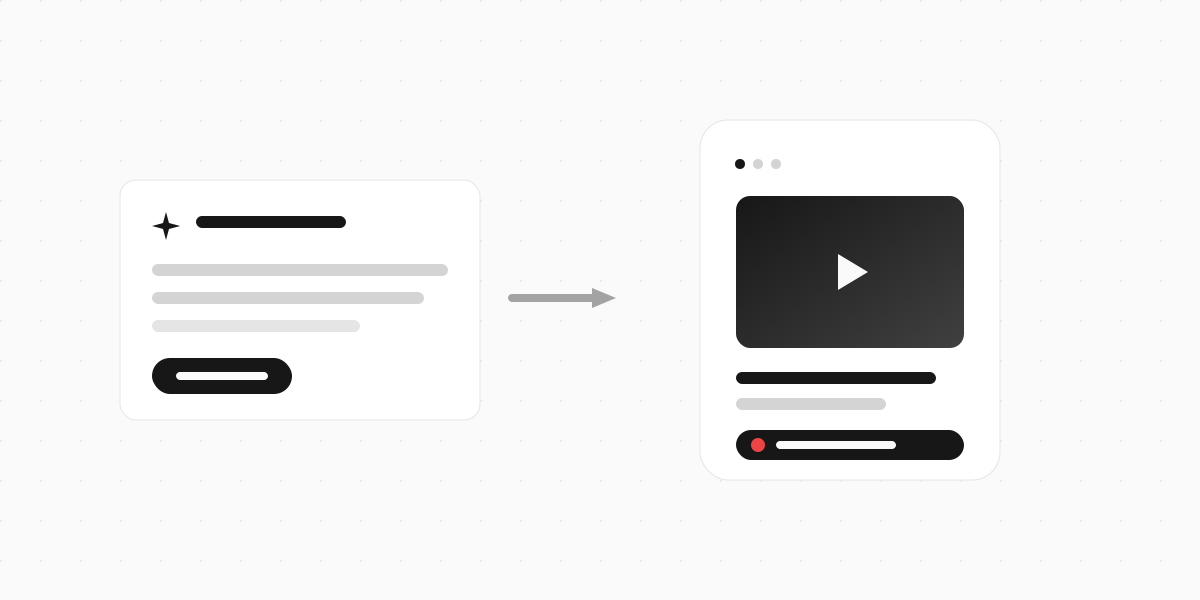
A video-first AI form builder generates a different artifact. The questions can be delivered as a short video or voiceover, and the answers can come back as video, audio, or text - respondent's choice. Same prompt, richer form.
This isn't a gimmick bolted on for novelty. The data on video is hard to argue with.

According to Wyzowl's 2026 video marketing report, which surveyed 266 people in late 2025, 85% of people say a video has convinced them to buy a product or service. And when people want to learn about something, 63% would rather watch a short video than read text - only 12% prefer a text article. If video is how people take information in, it's odd that we still hand them a wall of text and ask them to type.
The completion numbers back it up too. Typeform's Data On Data report analysed 2.6 million forms and 568 million submissions. Forms that included images or video saw a 120.6% increase in completion rates over forms that didn't.

So a video-first form builder isn't asking you to trade convenience for a nicer experience. You get the same one-prompt speed. You just get a form that more people finish, and answers with more in them.
Try a video-first form built from a prompt
Here's a customer research form generated the video-first way. Notice the video question in the middle - that's the difference between "type your feedback" and actually hearing it.
Try a video-first customer research form
A short feedback form with a video question, built on Clipform.
Give it a go - your answers won't be stored.
Copy this templateTry a video-first customer research form
A short feedback form with a video question, built on Clipform.
Give it a go - your answers won't be stored.
Copy this templateThe respondent taps record, talks for 30 seconds, and you get a video answer back - transcribed automatically so it's searchable. No app to download, no file to upload.
How to build a form with AI (the video-first way)
The workflow is the same speed as any AI form generator. The output is what changes. (There's more than one way to start - a prompt, a doc, or straight from Claude - covered in our full guide to building a form with AI.)
Step 1: Write a clear prompt
The quality of the form tracks the quality of the prompt. Vague in, vague out. Give the AI three things: who's filling it out, what you want to learn, and how long it should be.
Weak prompt: "a feedback form."
Better prompt: "a 5-question post-purchase feedback form for an online coffee subscription, with one video question asking customers what made them subscribe."
Naming the video question in the prompt matters - it tells the builder which answer you care about most.
Step 2: Let it generate, then read it back
The AI drafts the questions, the flow, and the copy. Read it like a respondent would. Cut any question that doesn't change what you'll do with the answer. A shorter form beats a thorough one that nobody finishes.
Step 3: Pick where video earns its place
You don't need video on every question. Use it where tone and detail matter:
- The "why" question - why did you buy, why did you leave, why this role
- Testimonials and feedback - a face and a voice are far more convincing than a typed quote
- Introductions - job applicants, event attendees, podcast guests
Keep multiple choice for the quick, closed questions. Mixing formats keeps the form moving. (Our guide on conversational forms digs into why one-question-at-a-time flow lifts completion.)
Step 4: Add narration if you don't want to be on camera
Not everyone wants to film themselves asking questions. You can generate an AI voiceover for each prompt instead, so the form still feels human without you setting up a camera. It reads your question aloud in a natural voice.
Step 5: Share it and watch the responses
Publish the form to a link, embed it on your site, or drop it in an email. Video and audio answers come back transcribed, so you can skim the text and click into the clip when something's worth watching.
AI form builder vs AI form generator - is there a difference?
Not really. People use "AI form builder" and "AI form generator" to mean the same thing: a tool that creates a form from a prompt. Some tools brand the prompt-to-form feature as the "generator" and the wider editing experience as the "builder," but there's no industry standard. If you're comparing tools, ignore the label and look at what comes out the other end.
The real question isn't builder vs generator. It's this: does the tool only know how to make text forms, or can it make forms people actually want to answer?
Where AI form building is heading
Two shifts are worth watching in 2026.
Prompt-to-form is table stakes now. A year ago, AI generation was a premium feature. Today it's the default entry point on most form builders - you're expected to start from a prompt, not a blank canvas. The competition has moved from "does it have AI?" to "what does the AI actually build?" The newest twist moves the prompt out of the builder entirely - you can build a form from inside Claude through a connector, describing it in chat and getting it back in your workspace.
Video is becoming a native answer, not an attachment. The early forms were text in, text out. The interesting direction is treating video the way we treat a text field: the form asks on camera, the respondent answers on camera, and the whole thing is transcribed and searchable. That's a different category of response than a survey link, and it's where the video-first tools are pushing.
The tools that win won't be the ones with the cleverest prompt box. They'll be the ones whose forms get finished.
Build your first video form with AI
An AI form builder should save you the busywork of assembling a form. A good one does. But most of them stop there and hand you the same flat text form every other tool produces - which means the form itself does nothing to help you stand out or get better answers.
Clipform is a video-first form builder. Describe the form you want and its AI generates the questions, the flow, and the copy - the same one-prompt speed you'd expect. The difference is what it builds: forms where questions can be video or AI narration, and answers come back as video, audio, or text, transcribed automatically. If you've tried an AI form generator and ended up with something forgettable, this is the version that gives you a form worth sending, and the thinking behind Clipform explains why we built it that way. Here's how it compares as a Typeform alternative if you're switching from a text-first tool.