
A dance audition form collects submissions from dancers for a company, a school, a college team, or a competition. At minimum it captures the dancer's details, training, and availability. But video is the whole point: you need to see them move, and a video submission lets you do that without booking a studio and a full day of in-person auditions.
The usual setup falls apart fast. You post the call, ask dancers to email a video or drop a Google Drive link, then spend the week downloading files, matching clips to names, and squinting at vertical phone footage. It's fine for ten dancers. It breaks at a hundred.
A proper dance audition form puts everything in one place. The dancer fills in their details, records or uploads their routine, and submits. You get a tidy dashboard of submissions with video, training history, and contact info together. This guide covers what to include, how to handle the video, the different types of dance audition, and the specs that make submissions usable.
What to include on a dance audition form
Keep it focused on what you need to make a decision. Every extra field costs you submissions, and dancers are often filling this in on a phone between classes.
Dancer details
- Full name
- Age or age category - especially important for competitions and youth programmes, which group by age
- Email and phone
- Location - city or region, relevant for in-person callbacks or company auditions
Training and experience
- Years of training and current level
- Styles - ballet, contemporary, jazz, hip-hop, tap, commercial (multiple choice so you can sort by what you're casting)
- Current school or company
- Notable training, credits, or competitions (short open text)
The video
This is where the form earns its keep:
- Audition video - either an upload or an in-browser recording of the routine or combination
- Technique clips (optional) - some companies ask for specific elements like centre work, pointe, or a turn sequence
- Showreel link (optional) - a URL to existing footage
Practical
- Which audition or division are you applying for? (if you're running several)
- Availability for the audition dates, callback, or season
- Dancewear and headshot - some companies want a dance photo in first arabesque or a simple fitted-clothing shot to see line, the same way a modeling application form asks for a full-body shot to read a candidate's proportions
Handling the video submission
Video is the most important field and the one most likely to cause headaches. Here's how the options compare:
| Method | Pros | Cons |
|---|---|---|
| Email attachments | Familiar | File size limits, impossible to compare side by side |
| Cloud links (Drive, WeTransfer) | No size limits | Links expire, permissions break, nothing standardised |
| Video upload field | All in one place | Large uploads can fail on a phone or weak connection |
| In-browser recording | No file handling for the dancer, consistent format | Needs a tool that supports recording in the form |
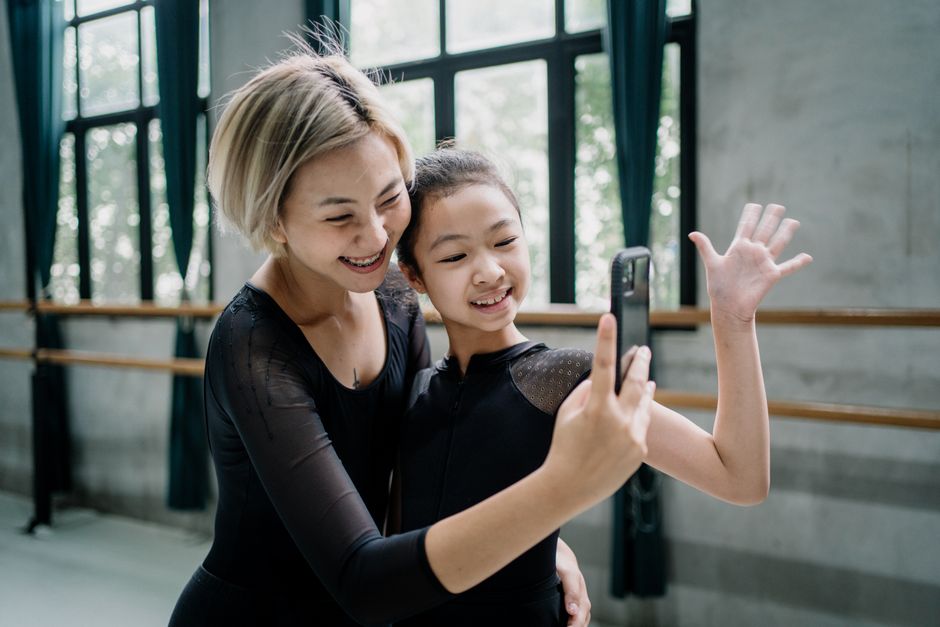
In-browser recording is the smoothest for dancers. They open the link, prop the phone up, record the routine, and submit, all in one flow. For whoever's reviewing, every submission lands in the same format and the same place, so you can compare line and musicality across dancers instead of juggling fifty different files.
Dance audition video specs
Vague instructions produce unusable footage. Tell dancers exactly what you need, and put it right next to the video field:
- Frame the whole body. Movement in space matters as much as the steps. A cropped phone clip that cuts off the feet is useless for assessing line.
- Length: Most companies and programmes want under three minutes. College dance team recruiting has largely moved to a standardised recruiting video around that length, filmed in the studio or pulled from a recent competition.
- What to perform: Specify it. A classical variation, a contemporary solo, an across-the-floor combination, or a set routine you provide.
- Sound and space: Good light, clear music, enough room to actually move.
If your form lets you, show the set combination or the brief right on the recording screen. Dancers who can see what to perform while they record submit cleaner, more consistent tapes than those working from memory.
Dance audition forms for different needs
Company and professional auditions
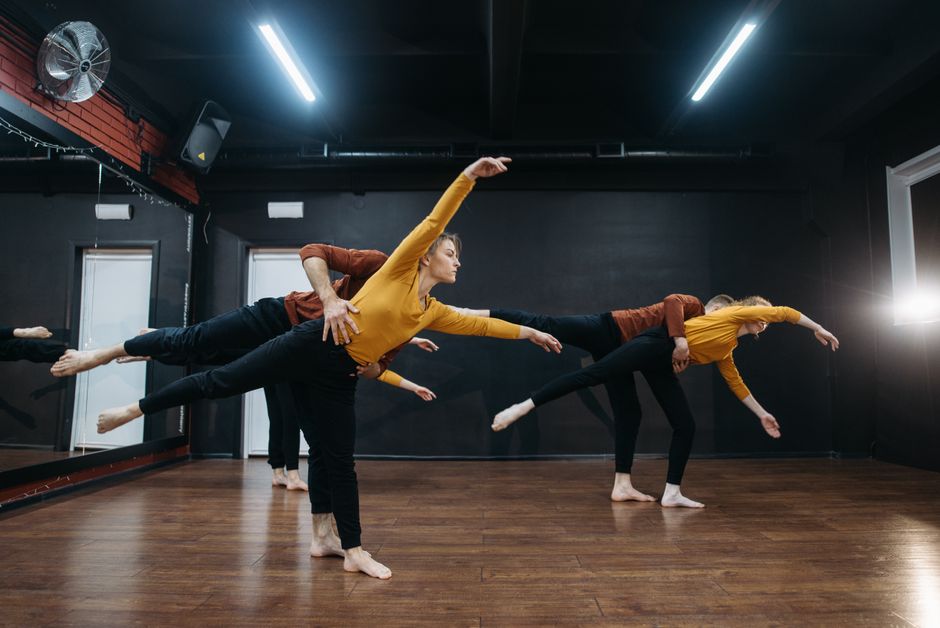
The most structured. Include full training history, styles, headshot or line photo, and a specific audition video (often a classical variation plus a contemporary piece). Company calls draw high volumes, so keep the form tight and sort by style and level.
School and studio auditions
For studios placing dancers into levels or competition teams, the form doubles as a placement tool. Ask for age, current level, and a short combination so you can stream dancers into the right class. Parents often fill these in, so keep the language plain and the video instructions simple.
College dance team recruiting
College programmes increasingly accept a standardised recruiting video instead of flying every recruit out. Capture the dancer's year, GPA if it's relevant to eligibility, styles, and the standard recruit video. Make it easy to submit from a phone, because most will.
Dance competition applications
Competitions and showcases run on entries, not casting. Here the form is really a registration: dancer or group name, division and age category, style, music track, number of performers, and the entry video. If you charge entry fees, add a payment step so entrants pay the fee by card in the same form - no separate invoice or checkout link. Group entries need one submission that captures every dancer's name, so leave room for that.
Managing submissions
Sort by what you're casting. Filter by style, level, or division so you can review all the contemporary soloists, or every dancer in the 12-14 division, in one sitting.
Use transcripts and notes for fast triage. When you're working through dozens of videos, being able to scan details and jot notes against each submission beats re-watching everything from the top.
Share with the panel. Casting and competition judging are rarely solo. A tool that lets you share specific submissions or a filtered batch with co-directors or judges saves a week of emailing video files around.
Reply to everyone. Even an automated "received" matters. Dancers put real work into a tape, and a call that goes silent earns a reputation that makes the next one harder to fill.
Build your dance audition form
A dance call lives or dies by how easy you make it to submit. A form that collects the routine, the dancer's details, and the division in one flow, from any phone via a link or QR code, gets you more entries and far better organised ones.
Clipform lets dancers record their audition straight in the form, no file downloads or uploads, then add their details and submit. Every response lands in one dashboard with the video, structured data, and the option to share individual submissions with your panel. For the casting side of things across acting and other performance, our audition form guide covers the wider workflow, and the self-tape guide has the recording tips worth passing on to applicants. If you want one place for your whole dance call, it's built for exactly this.