
Search "personalised video platform" and you'll get a wall of listicles mixing together tools that do completely different things. A platform that merges customer data into video templates is not the same as one that lets you record a sales message, which is not the same as one that collects video responses from real people.
They all call themselves "personalised video." But the workflows, pricing, and use cases barely overlap.
This guide breaks them into three categories, explains what each personalised video tool actually does, and helps you figure out which type fits your situation. If you're evaluating a custom video platform for your team, this will save you from trialling three tools before realising you needed a different category entirely.
The three types of personalised video platform
1. Data-driven video (template + merge)
What it does: You create a video template with dynamic fields - name, account balance, purchase history, location - and the platform generates thousands of unique videos by merging in customer data. Think mail merge, but for video.
Who uses it: Enterprise marketing teams running campaigns at scale. Onboarding flows. Renewal reminders. Account summaries. Anything where you want to say "Hi Sarah, here's your Q2 recap" to 50,000 customers simultaneously.
Examples: Idomoo, SundaySky, Pirsonal, Seen.io
The tradeoff: These platforms are built for volume, not conversation. The video goes one direction - from you to the customer. The "personalisation" is data-driven (inserting fields into templates), not human. Pricing tends to start in the thousands per month because the infrastructure to render millions of unique videos isn't cheap.
2. Sales video outreach (1:1 messages)
What it does: A salesperson records themselves on camera - "Hey Jamie, I noticed your team just raised a Series B, congrats..." - and sends the video via email or LinkedIn. Some platforms now use AI to clone your voice and swap in each prospect's name so you record once and send to hundreds.
Who uses it: SDRs, account executives, customer success managers. Anyone doing outbound where standing out in the inbox matters more than scale.
Examples: Sendspark, Vidyard, Covideo, Loom (when used for sales)
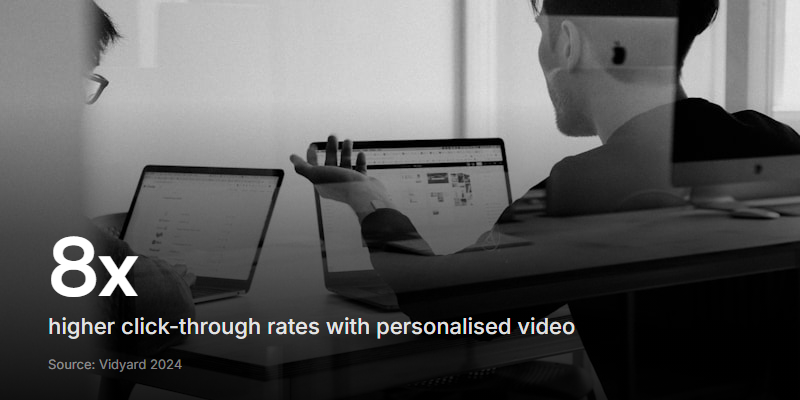
The tradeoff: It works brilliantly for outbound sales. According to Vidyard's benchmark data, personalised video messages drive an 8x improvement in click-through rates compared to text-only email. But the communication is still one-way. You send a video. They reply with text (maybe). There's no structured way to collect a video response back.
3. Interactive video (two-way conversation)
What it does: You create a set of video questions - recording yourself or using AI-generated prompts. You share a link. The recipient watches each question and records their own video (or audio, or text) response. Both sides communicate via video, asynchronously.
Who uses it: Recruiters screening candidates with async video interviews. Marketers collecting video testimonials. Customer success teams running feedback surveys. Educators assessing students. Anyone who needs to hear from people, not just talk at them.
Examples: VideoAsk, Clipform
The tradeoff: You get far richer responses than any text form or outbound video can deliver. But it requires the other person to actively participate - they need to hit record. That's a higher ask than just watching a video, which means the experience has to be frictionless or people won't follow through.
How to pick the right type
The decision comes down to one question: which direction does the video need to flow?
-
You to them (at scale) - You want to send personalised videos to thousands of customers using their data. You need a data-driven platform (Idomoo, SundaySky, Pirsonal).
-
You to them (1:1) - You want to send personalised video messages to individual prospects. You need a sales outreach tool (Sendspark, Vidyard, Covideo).
-
Them to you - You want to collect personalised video responses from candidates, customers, or an audience. You need an interactive platform (VideoAsk, Clipform).
Most buyers get tripped up because they search "personalised video platform" expecting one category and find all three mixed together. Once you know which direction you need, the shortlist gets very short.
If you need both directions - sending personalised videos AND collecting video responses - you're looking at two tools, not one. No single platform does both well.
What to look for in each category
Data-driven platforms
- Template flexibility. Can you build your own templates or are you locked into their library?
- Data connectors. Does it plug into your CRM, CDP, or data warehouse without custom engineering?
- Rendering speed. Some platforms render videos in real time (viewer clicks, video generates). Others batch-render overnight. Real-time is better for triggered campaigns.
- Analytics. Per-viewer engagement data matters when you're sending 100,000 unique videos.
Sales outreach tools
- Recording quality. The camera, mic, and compression matter. Bad audio kills trust.
- AI personalisation. Can it swap names, backgrounds, or intros without re-recording? How natural does it sound?
- CRM integration. If it doesn't plug into your sales workflow (HubSpot, Salesforce, Outreach), your reps won't use it.
- Tracking. You need to know who watched, how long, and whether they clicked the CTA.
Interactive platforms
- Response friction. Does the recipient need to create an account? Download an app? The fewer steps, the higher your completion rate.
- Response formats. Can people respond via video, audio, or text? Giving them the choice matters.
- Transcription. Auto-transcription (like Whisper) means you can search and skim responses without watching every clip.
- Prompts. Can you record video questions, or is it text-only? Video prompts get much better response quality.
Don't confuse "personalised" with "personal." A data-driven platform that inserts your name into a template video feels different from a real person recording a question just for you. Both count as personalisation, but only one creates a genuine human connection.
The case for two-way personalisation
Most of the "personalised video" market focuses on outbound - sending videos to people. That makes sense for marketing campaigns and sales outreach. But there's a growing use case that outbound tools can't touch: hearing back from people in their own words.
A video testimonial is more convincing than a text quote. A candidate's recorded answer tells you more than their CV. A customer explaining a problem on camera gives your support team context that no ticket ever will.
This is where interactive platforms earn their keep. The personalisation isn't data fields merged into a template. It's a real person, speaking directly to you, in response to a specific question you asked.
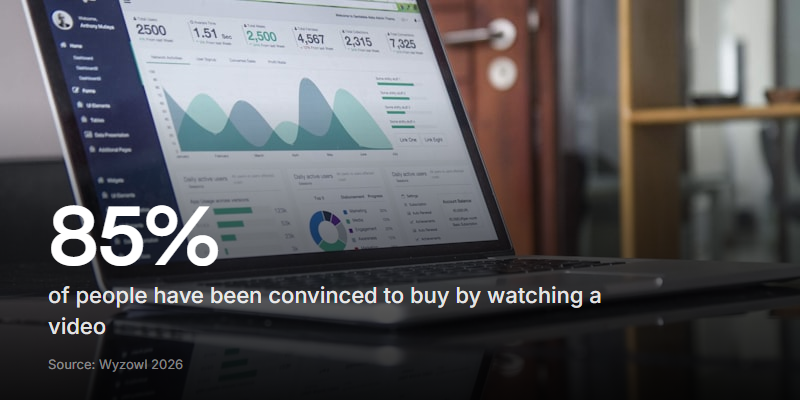
According to Wyzowl's 2026 Video Marketing Statistics report, 85% of people have been convinced to buy a product or service by watching a video. That stat is usually cited in the context of marketing videos. But it applies just as strongly to video responses - when a prospect watches a testimonial from someone who looks and sounds like them, the trust transfer is immediate.
Clipform: interactive video without the enterprise price tag
Clipform sits in the interactive category. You build a form where each step can include video, audio, or images. Respondents answer on camera (or by voice, or text) directly in their browser. No downloads, no accounts.
What makes it different from VideoAsk:
- Simpler pricing. VideoAsk is owned by Typeform and priced for enterprise. Clipform is built for smaller teams who need the same capability without the overhead.
- Visual builder. You design forms by connecting nodes on a canvas, not filling in a linear question list. It's closer to designing a flow than writing a survey.
- AI generation. Describe what you need in plain English and Clipform builds the form - questions, structure, and AI voiceover prompts included.
- Auto-transcription. Every video and audio response gets transcribed automatically (powered by Whisper), so you can search and skim without watching every recording.
If you're collecting video testimonials, running async video interviews, or gathering employee feedback on camera, it's worth a look.
FAQ
What's the difference between personalised video and interactive video?
Personalised video usually means a pre-made video with dynamic data (someone's name, account details) swapped in. Interactive video means the viewer actively participates - choosing paths, recording responses, or making decisions within the video experience. Some platforms do both, but most specialise in one.
Can I use a personalised video platform for free?
Most data-driven platforms (Idomoo, SundaySky) are enterprise-only with custom pricing. Sales outreach tools (Sendspark, Vidyard) typically have free tiers with limited sends. Interactive platforms vary - Clipform has a free tier that covers the basics, while VideoAsk's free plan is capped at limited video minutes.
Which type of personalised video has the best ROI?
It depends on your use case. For outbound sales, 1:1 video messages deliver measurably higher response rates. For marketing at scale, data-driven video lifts engagement on automated campaigns. For qualitative feedback and screening, interactive video saves hours of live calls. The "best ROI" is whichever type replaces your most expensive manual process.
Do personalised video platforms work on mobile?
All modern platforms support mobile viewing. For interactive platforms where respondents record video, mobile support is important - many people are more comfortable recording on their phone than their laptop. Check that the platform supports in-browser recording on both iOS and Android without an app download.
Pick the direction, then the tool
Most of the confusion in this space comes from comparing tools that were never built for the same job. A data-driven platform that renders 50,000 personalised marketing videos has almost nothing in common with an interactive tool that collects video responses from 50 customers.
Figure out which direction the video needs to flow - you to them at scale, you to them 1:1, or them to you - and the shortlist writes itself. If you're in the "them to you" category, our guide on collecting video testimonials covers the practical side of getting people to actually hit record.